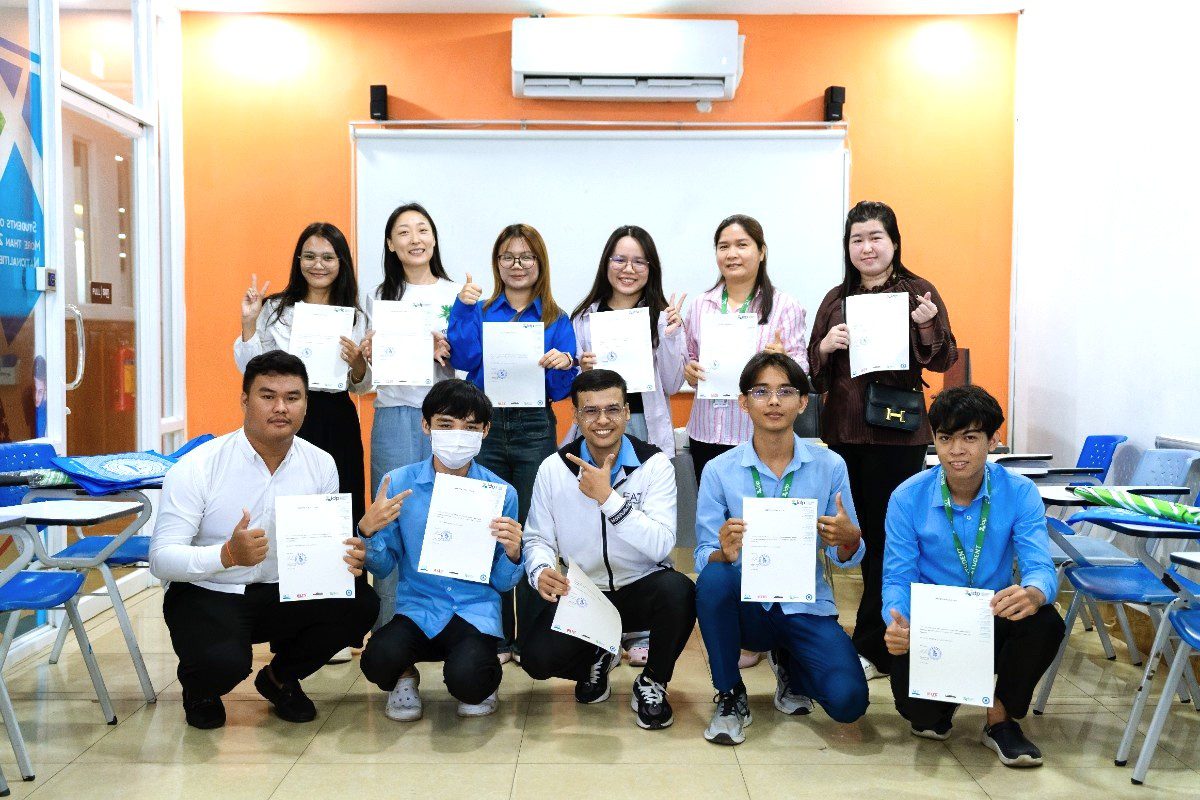
Get CELTA-Certified to Teach English Worldwide
Become a Certified English Teacher with CELTA Cambodia.
Transform your career in teaching today!
What is CELTA?
CELTA (Certificate in English Language Teaching to Adults) is the most widely recognized TEFL qualification in the world. It is awarded by Cambridge English, part of the University of Cambridge, and is trusted by schools and language institutions worldwide.
120+
HOURS TRAINING
6
HOURS OF ASSESSED TEACHING PRACTICE
4
WRITTEN ASSIGNMENTS
6
HOURS OF EXPERIENCED-TEACHER OBSERVATION
In Cambodia, CELTA has been delivered by the Australian Centre for Education (ACE) since 2016 as an authorized Cambridge CELTA center, maintaining the highest standards of training and assessment. The course equips you with essential teaching skills, hands-on classroom experience, and the confidence to teach English to adults and young learners both locally and internationally.

Train for the CELTA with
Australian Centre for Education (ACE)

About ACE
The Australian Centre for Education (ACE) is one of the leading English language education providers in Cambodia and the Southeast Asia region. Established in 1992 through an initiative of IDP Education, ACE has built a strong reputation for delivering high-quality English language programs to learners of all ages. With six NEAS-accredited campuses in Phnom Penh and Siem Reap, ACE offers internationally recognized English courses, including IELTS preparation, General English, and Academic English.
As an official Cambridge CELTA centre, ACE has been delivering CELTA training in Cambodia since 2016, providing world-class teacher training programs that meet global standards. Backed by IDP’s global expertise in international education and English language testing, ACE ensures excellence in teaching, learner support, and professional development.
ACE Cambodia: Six NEAS-Accredited English Language Campuses
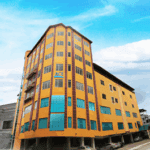
(Tuol Tom Pong)

(Tuol Kork)

(Santhormuk)
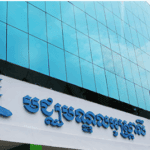
(Samdech Pan)

(Siem Reap)
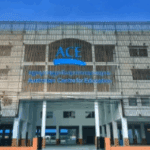
(Chak Angre)
Why Choose CELTA Cambodia?

Stunning Location
Train in one of the world’s most iconic destinations.
Experience Cambodia’s rich culture and beauty while earning your CELTA near the majestic temples of Angkor Wat and vibrant streets of Siem Reap.

Global Recognition
CELTA qualification is recognized by employers worldwide.
Open doors to teaching opportunities across the globe with a certificate awarded by Cambridge English, part of the University of Cambridge.

Flexible Training
Choose part-time online or full-time face-to-face.
Whether you prefer the structure of in-person learning or the convenience of online study, CELTA Cambodia offers flexible options to suit your lifestyle and schedule.

Real Teaching Practice
Teach real adult learners, not simulations.
Gain authentic classroom experience with real students from day one, helping you build confidence and practical teaching skills that matter.
2026
2027
Success Stories
Hear from our graduates who have transformed their careers.
View All Videos
Our Blog
Explore inspirational stories from our graduates and teaching tips via our Blog.